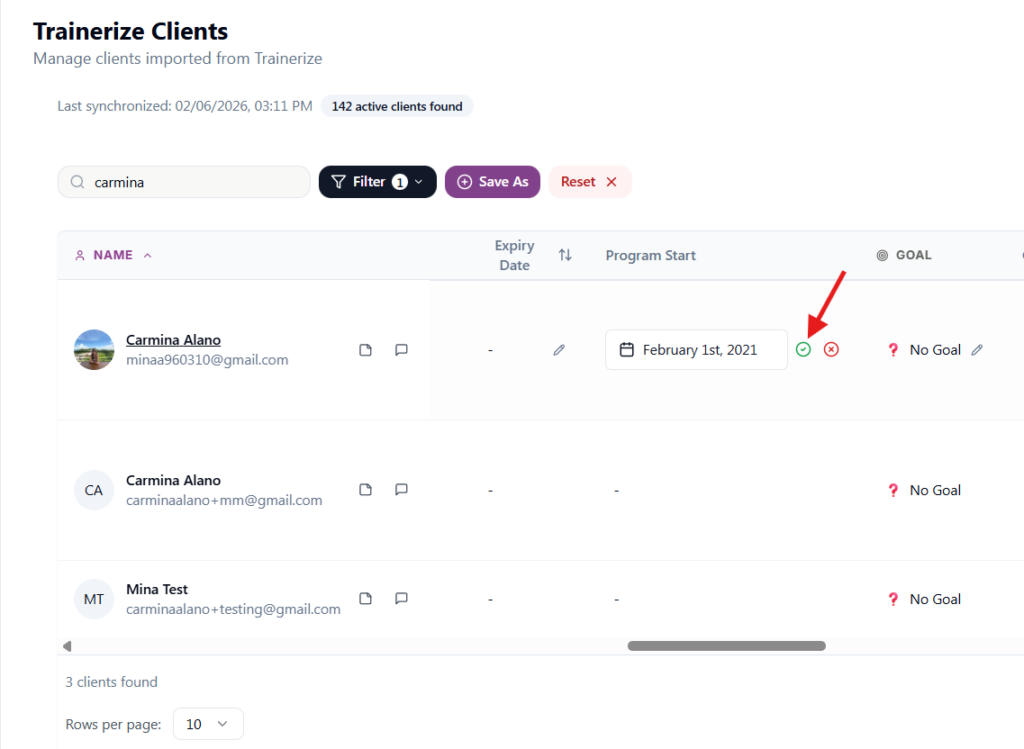
- Login to Fit Metrics: https://app.fitmetrics.ai/
- Go to “Trainerize Clients”
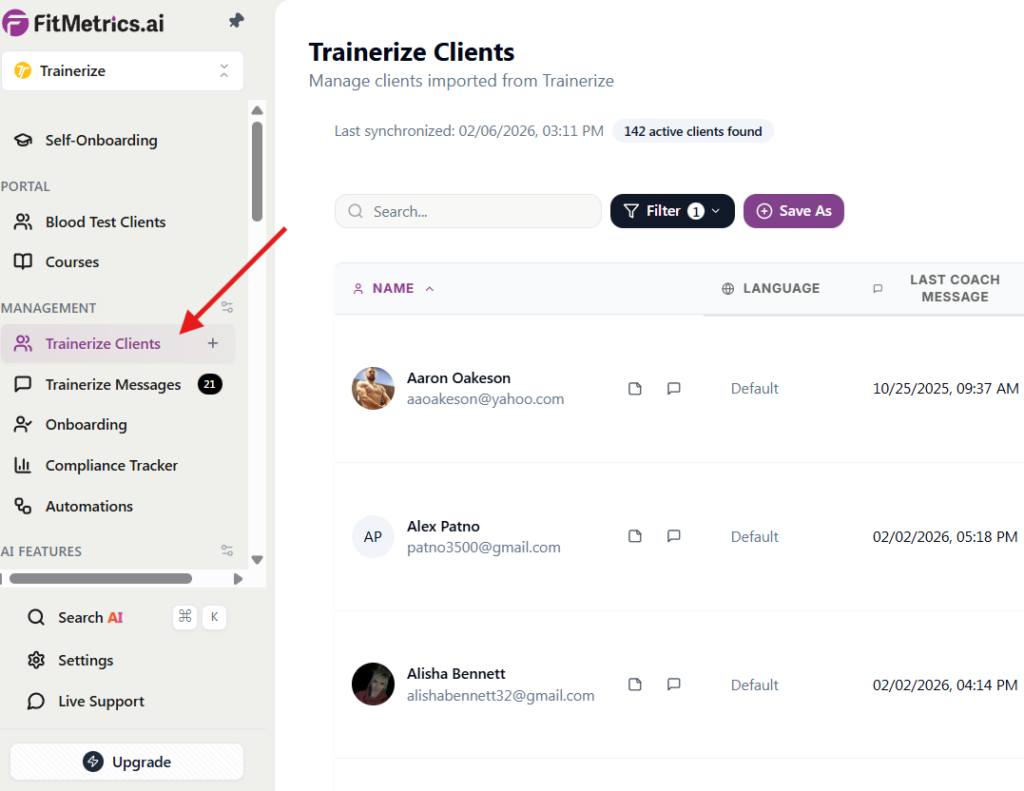
3. Type in member’s name or email in the Search bar
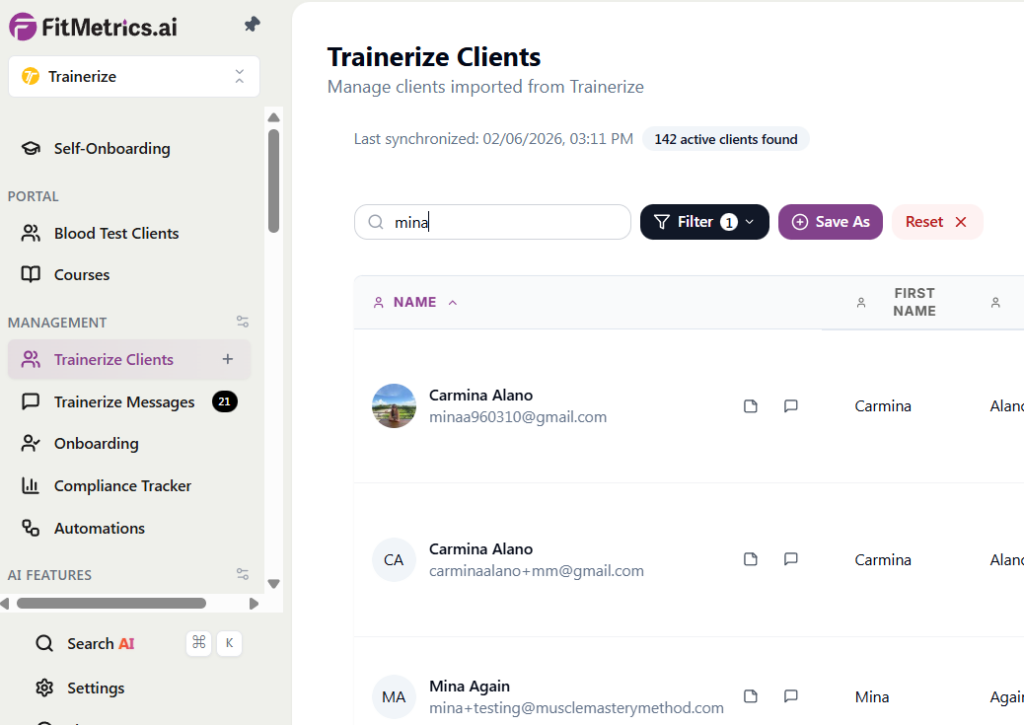
4. Once you see the member’s name, horizontally scroll to the “Program Start” field and add the member’s membership start date.
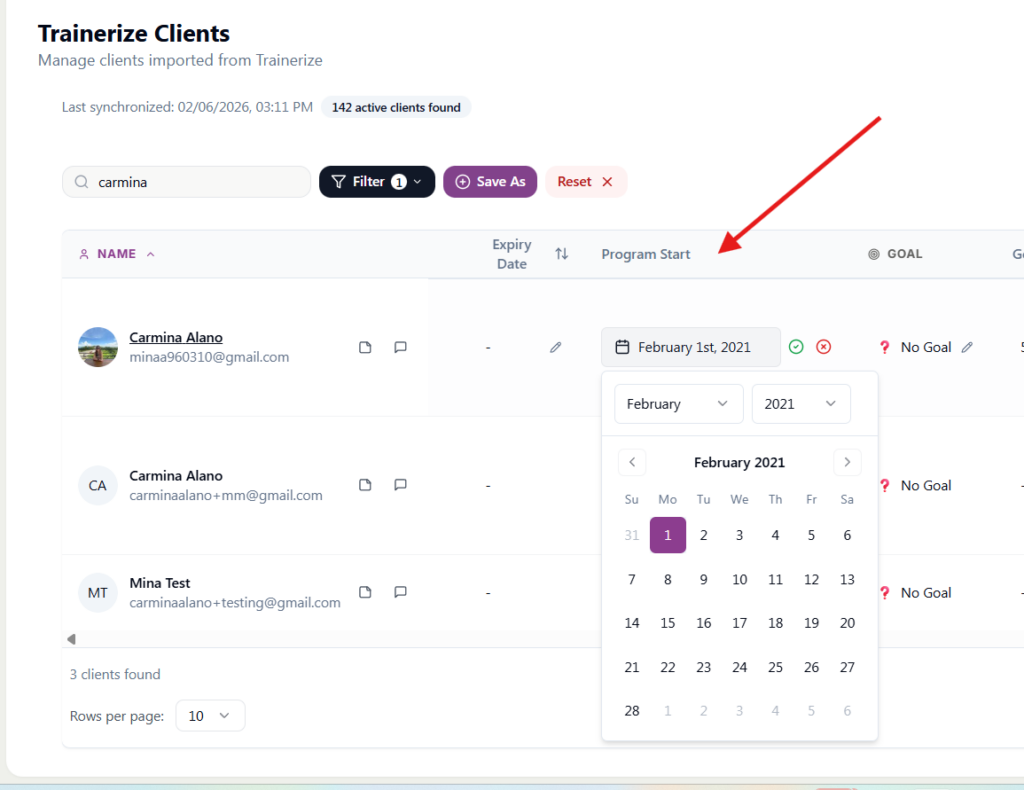
5. Don’t forget to click the ✅ to save it.